Yes — rates are set with Tiers. A tier is a named commission and discount rate, and each ambassador can be assigned to one instead of using your store default.
Once an ambassador has been added, go to the Ambassadors tab and click Edit next to their name. Click Update next to Tiers, then choose or set their rate.
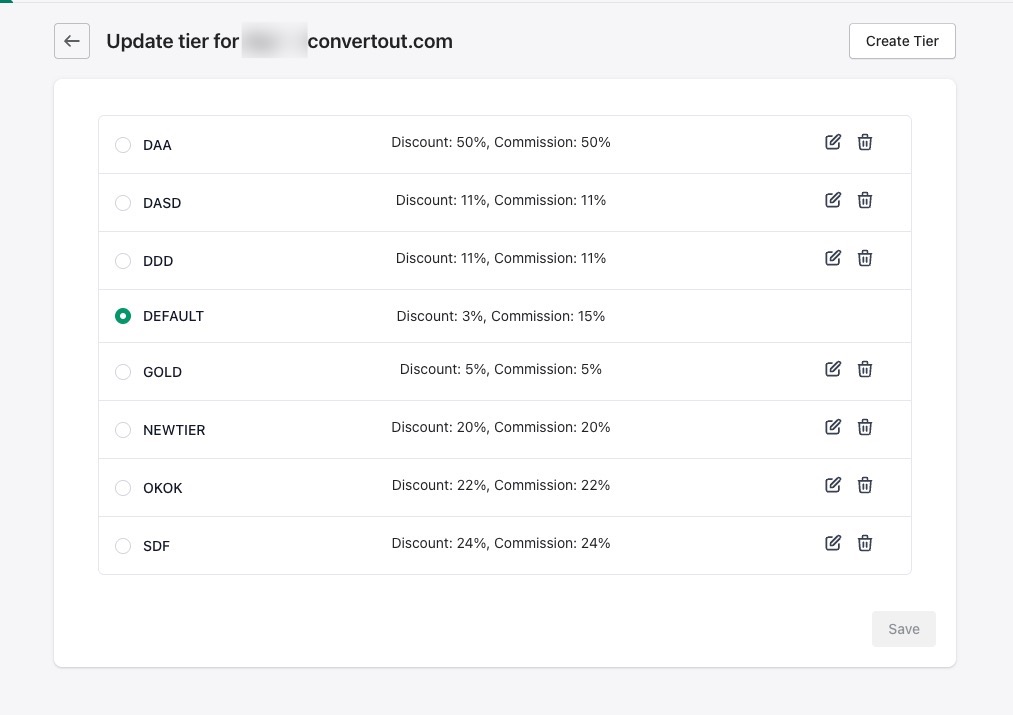
To add more tiers, click Create Tiers in the top right.
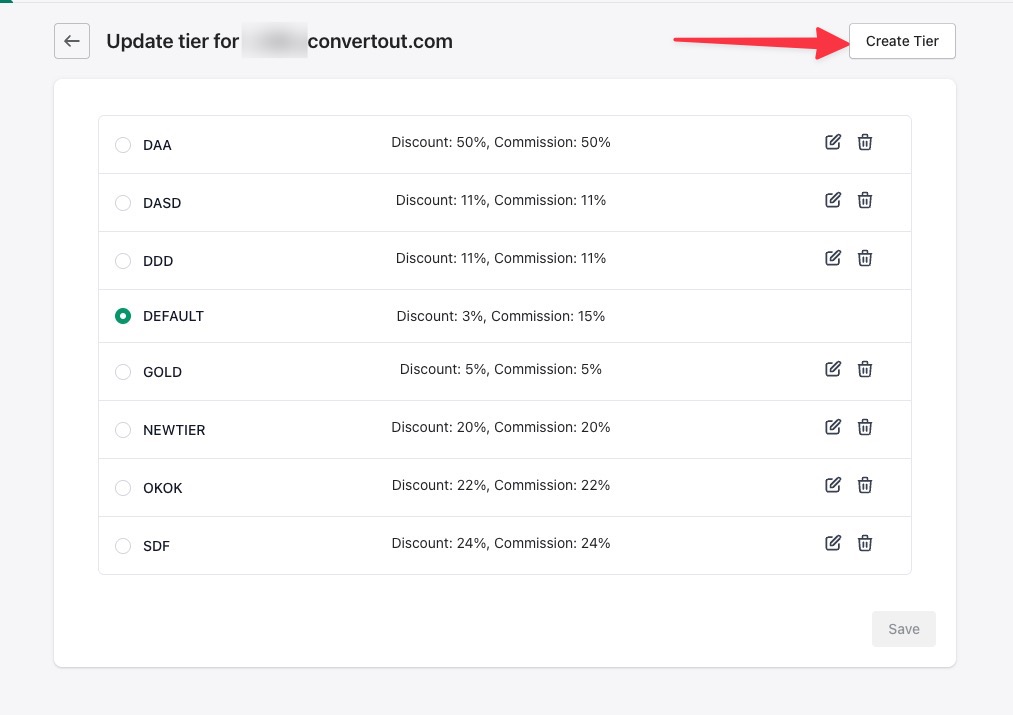
To change an existing tier, click the edit icon next to it. Editing a tier changes the rate for every ambassador on it — so if you want a one-off rate for a single person, create a tier just for them.