The portal gives ambassadors SMS and email buttons for sharing their code. You can hide either one.
Go to Settings → Portal options, check the box for the button you want to hide, and Save.
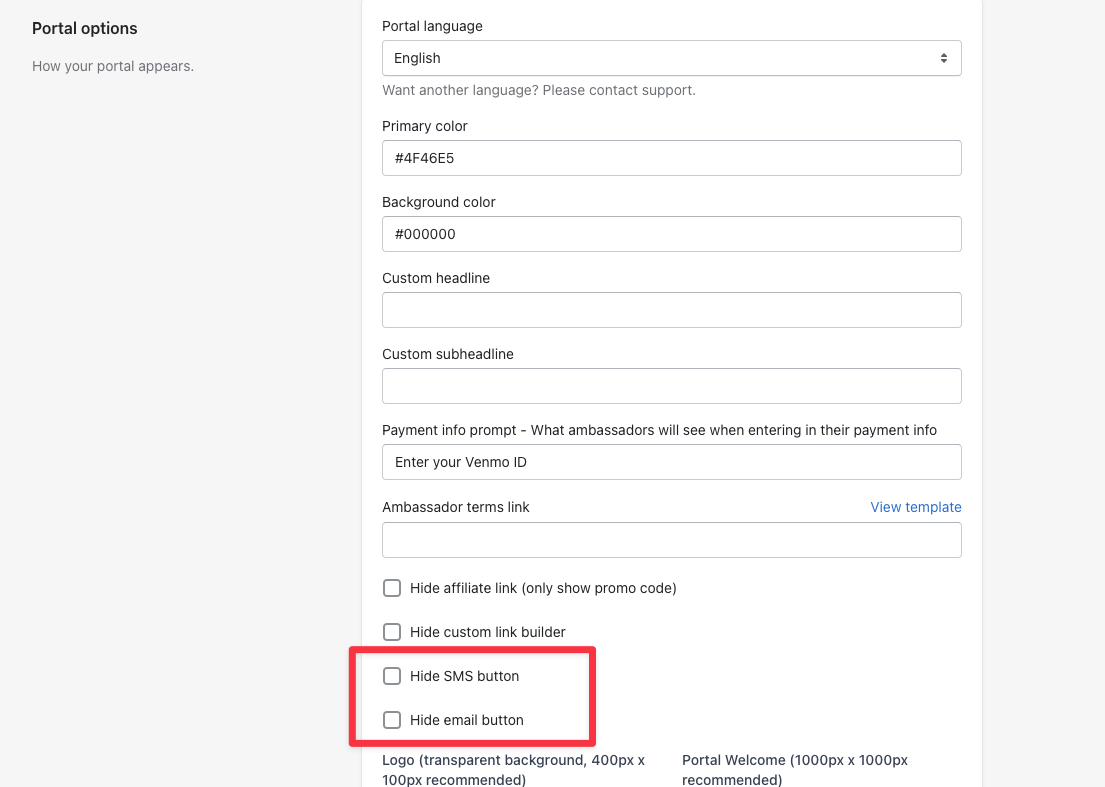
The portal gives ambassadors SMS and email buttons for sharing their code. You can hide either one.
Go to Settings → Portal options, check the box for the button you want to hide, and Save.