Without a reply-to address, ambassadors who hit reply are writing to noreply@convertout.com and you'll never see the message. Setting your own address fixes that in about a minute.
Go to the Emails tab, enter your email address, and click Verify. We'll send a 6-digit code to that address to confirm it's yours — enter the code and you're done.
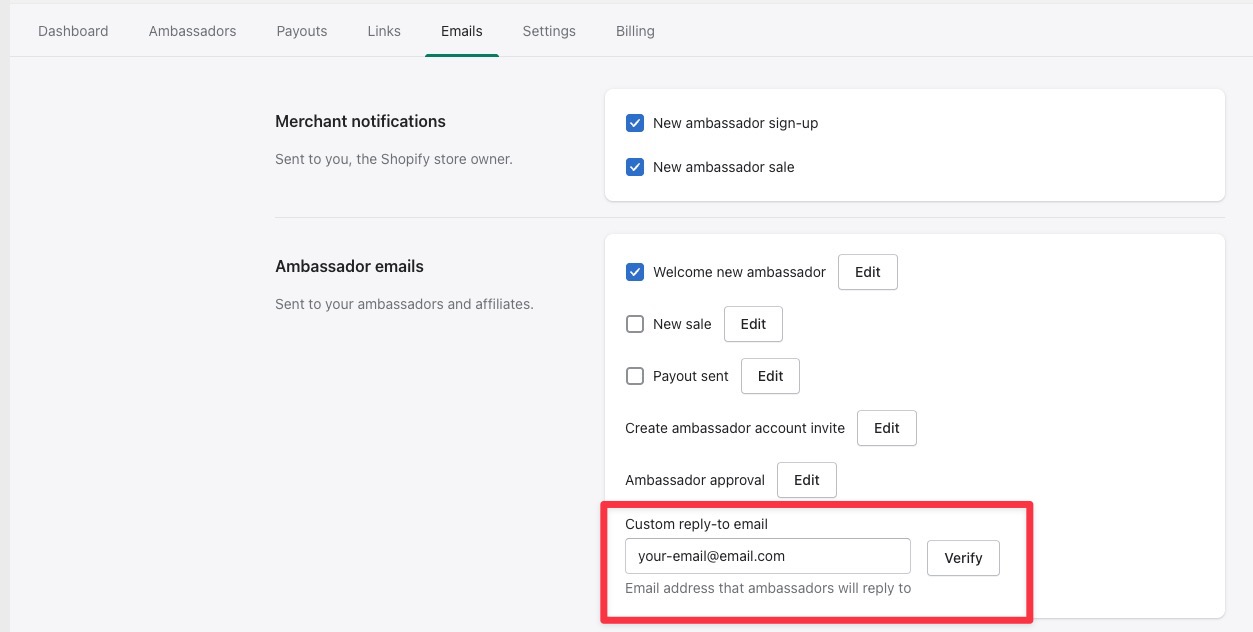
From then on, every ambassador email uses your address as the Reply-To. Emails still send from noreply@convertout.com, so replies land in your inbox rather than the sending address changing.