Open the app (Shopify admin → Apps → ConvertOut), go to the Settings tab, and scroll to Portal options.
Enter a hex value in Background color — for example #F7FAFC — and click Save.
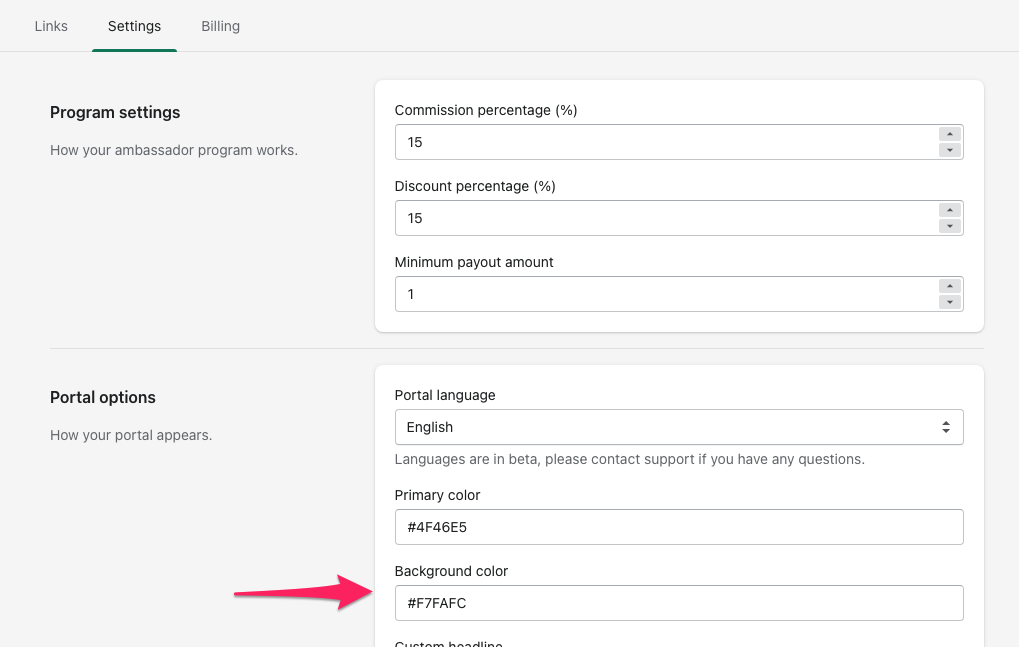
Primary color sits right above it and controls buttons and accents, so it's worth setting both to match your brand at the same time.