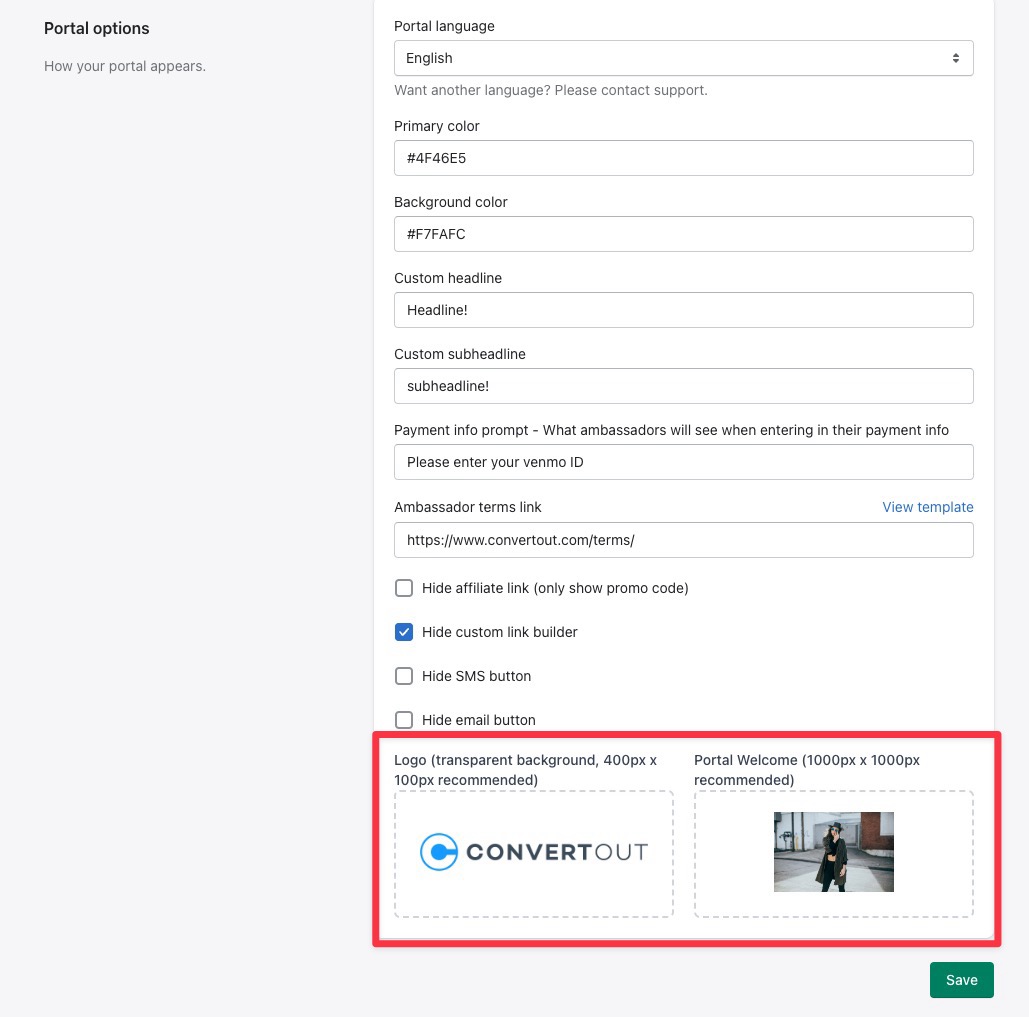
Both images live in the same place: Settings → Portal options.
Open ConvertOut and go to the Settings tab.

Scroll down to Portal options and upload your logo and your sign-up page image.
Click Save, then open your portal to check it. If you still see the old image, hard-refresh the page — images are cached.