You can remove a single sale's commission from an ambassador's detail page. This is also the fix for refunded or cancelled orders — those don't remove the commission automatically today, so deleting it is the manual remedy.
Open the Ambassadors tab and click View sales & commissions for that ambassador.
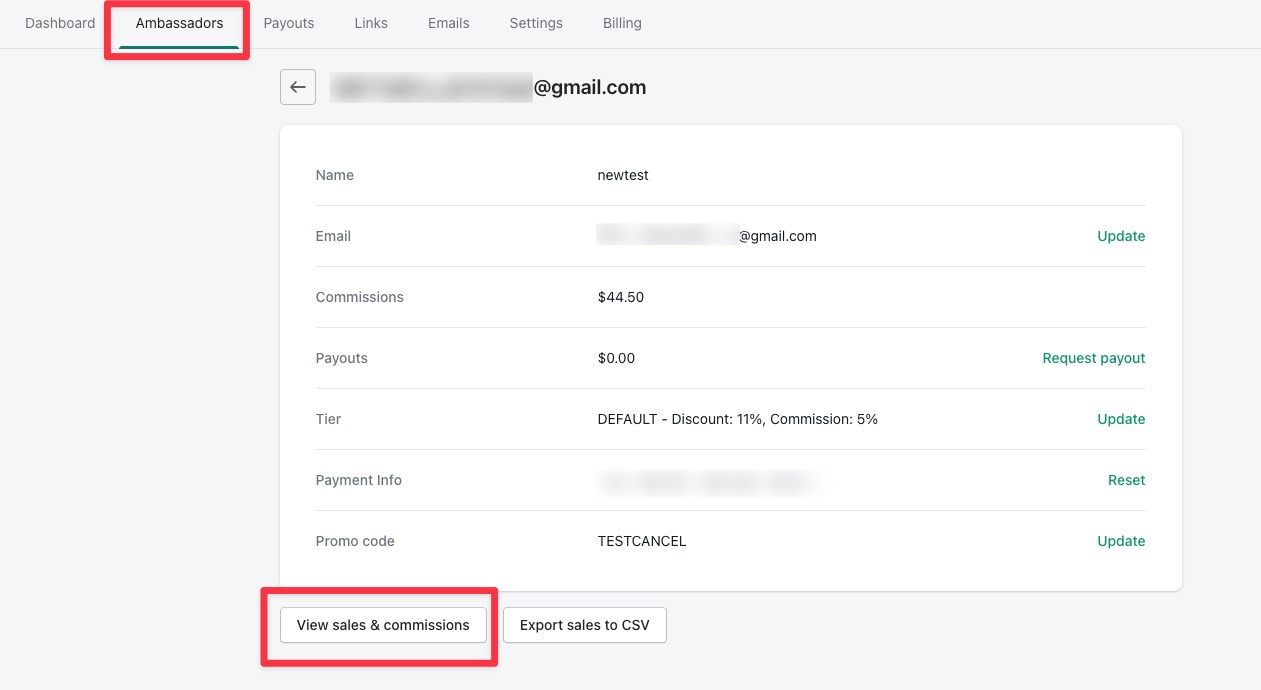
Find the order you want to cancel the commission for.

Click the delete button and confirm. The commission comes off their totals right away, and any pending payout for that ambassador is cancelled.