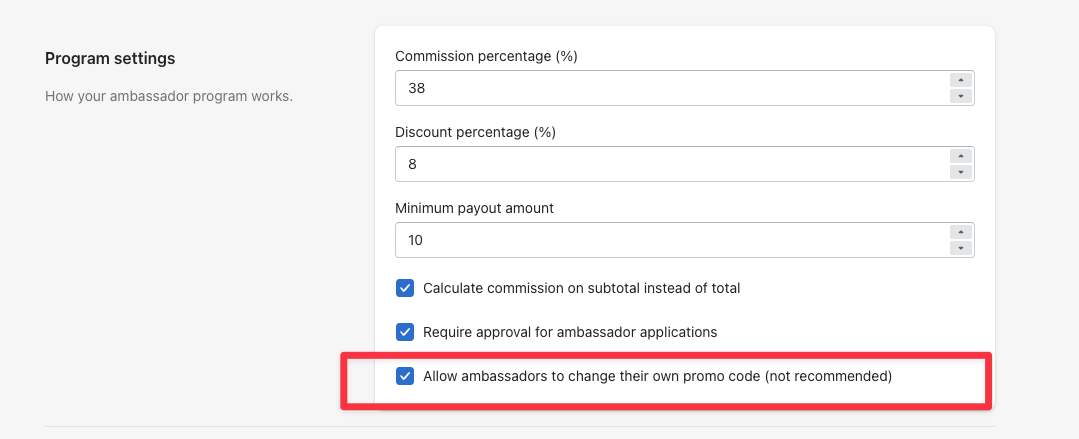
This one is for advanced users — we don't recommend it for most stores. Here's what it does and why.
To turn it on, go to Settings and check the box that lets ambassadors change their own promo code, then Save.
Each time an ambassador renames their code, we:
- Disconnect the existing discount code from their account
- Delete that discount code in Shopify
- Create the new code and connect it to their account
Because the old code is deleted and recreated, some of Shopify's own reporting history for that code is lost. That's the main reason we suggest leaving this off.
Prefer to stay in control? You can change an ambassador's code yourself from the Ambassadors tab at any time.