To give an ambassador a fresh discount code:
- In your Shopify admin, go to Discounts, find the code, and delete it.
- In ConvertOut, open the Ambassadors tab and click the Edit icon on that ambassador.
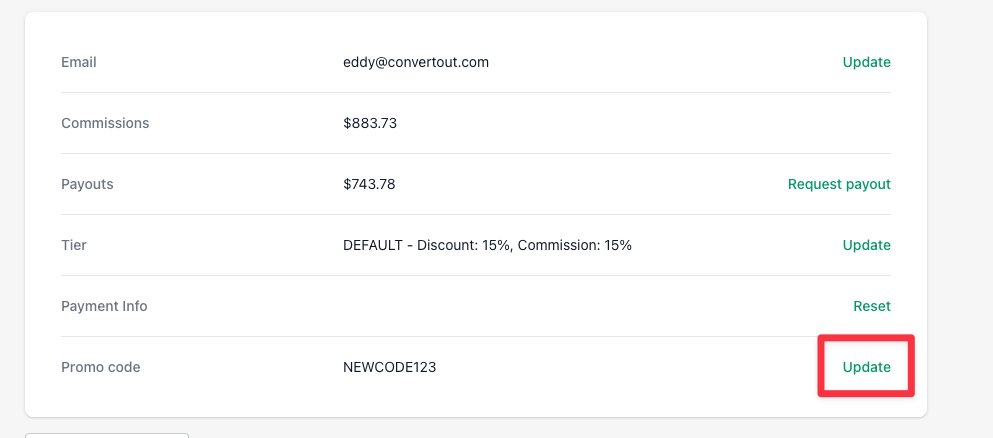
- Click Update next to their promo code.
- Type the code you want them to have — including the same one you just deleted in step 1, if you want to reuse it.
Codes have to be unique, so no two ambassadors can share one.
If you'd rather ambassadors handle this themselves, see letting ambassadors change their own promo code.